






DGX Spark vs Strix Halo vs Gorgon Halo: Which Hardware Fits Local AI?
DGX Spark vs Strix Halo vs Gorgon Halo: Which Platform Fits Your Local LLM Workload?
A 192GB system is not automatically faster than a 128GB one. A 1-PFLOP specification does not tell you how quickly an LLM will generate tokens. And a benchmark without separate prefill and decode results can give a misleading picture of real-world performance.
Those distinctions matter when comparing NVIDIA DGX Spark, AMD’s 128GB option, and newer 192GB-class configurations for local AI. Some buyers want a compact AI PC for private inference; others need enough unified memory to run a large language model on-device without shipping prompts to the cloud.

All three can address workloads that once pushed people toward large discrete-GPU towers: private inference, coding agents, RAG, long context, and multi-model pipelines. They just solve those problems differently.
The useful way to compare them is:
- Can the model and its working data fit in memory?
- How quickly can the system process a long prompt (prefill)?
- How quickly can it generate tokens (decode)?
- Does your software depend on CUDA?
- What happens when your workload moves beyond 128GB?
The most important distinction is still:
Memory capacity determines what can fit. Memory bandwidth, compute, quantization, and software determine how fast it runs.
Primary question this guide answers: how to choose among NVIDIA’s 128GB appliance, AMD’s 128GB Strix-class option, and 192GB-class Gorgon shorthand systems for local LLM inference — especially the 128GB vs 192GB capacity fork — without treating any single tokens/s screenshot as a ranking.
Quick Comparison
| Feature | DGX Spark | Strix Halo | Gorgon Halo |
|---|---|---|---|
| Main platform | NVIDIA Grace Blackwell (NVIDIA Blackwell) | AMD Zen 5 + Radeon APU | Higher-memory AMD desktop-class platform |
| Unified memory | 128GB | Up to 128GB in flagship systems | Up to 192GB (Max+ PRO 495-class configurations) |
| Memory bandwidth | 273 GB/s stated | 256 GB/s (LPDDR5X-8000, AMD-stated peak) | 273 GB/s theoretical peak (256-bit × LPDDR5X-8533) |
| Software | CUDA / DGX OS | ROCm / Vulkan / llama.cpp / Ollama | ROCm / Vulkan / llama.cpp / Ollama |
| Form factor | Compact AI appliance | AI mini PC / compact workstation | Compact AI workstation |
| Best reason to choose it | CUDA-first development + strong prefill in some published tests | 128GB local inference plus a normal x86 PC | Workloads that genuinely exceed 128GB |
This table orients the platforms. It does not mean one column is universally faster — that depends on the workload.
AMD lists Gorgon Halo as the former codename on the Ryzen AI Max+ PRO 495 page (up to 192GB, Radeon 8065S). Here we use Gorgon Halo as buyer shorthand for that 192GB desktop-class platform — not as a separate consumer architecture brand.

Quick planning: what 128GB vs 192GB usually buys
Planning guidance only — not a hard model limit. Quantization, context length, and multi-service stacks move the real number.
| Unified memory | Practical role (planning only) |
|---|---|
| ~64GB | 7B–32B comfortably; some larger models only with aggressive quant |
| 128GB | 70B-class comfortably; some 120B / MoE workloads depending on quant + context |
| 192GB | Higher quants, larger MoE weight files, multi-model stacks, longer KV-cache headroom |
If 128GB already fits with headroom, treat 192GB as capacity insurance.

LLM Hardware Bottleneck Map
| Workload | First bottleneck | Second bottleneck | Why |
|---|---|---|---|
| 7B chat | Compute / software | Memory | Model is relatively small |
| 32B chat | Bandwidth | Compute | Decode becomes more memory-sensitive |
| 70B | Capacity | Bandwidth | Weight footprint increases sharply |
| 120B+ | Capacity | Bandwidth | Fit becomes the first constraint |
| Long context | KV cache | Memory | Context increases cache requirements |
| Coding agent | Context + KV | Decode | Long prompts + generation |
| RAG | Prefill | Memory bandwidth | Many input tokens |
| MoE | Capacity + runtime | Bandwidth | Total parameters and active parameters differ |
This map is the point of shopping these platforms in 2026 — not a single tokens/s screenshot.
Why These Three Platforms Are Being Compared
The shift from AI PCs to local workstations
“AI PC” marketing still leans on NPU TOPS. Serious local LLM buyers care more about unified memory, GPU/APU inference paths, and whether the box can host private agents, RAG, and long-context work on a desk — which is why NVIDIA DGX Spark, AMD Strix Halo (128GB) and 192GB-class configurations show up together when people shop an AI mini PC / compact workstation.
Why memory capacity became a key spec
Once people started loading 70B-class and 120B+ weights locally, 128GB and 192GB stopped sounding like luxury and started sounding like “will this even load?” Unified memory is why these three desktop-class platforms share attention: they promise a single pool large enough for local LLM hardware that used to require multi-GPU towers.
(Chip-level 128GB vs 192GB diffs live in our Ryzen AI Max+ 395 vs PRO 495 guide. On AMD’s product page, Ryzen AI Max+ PRO 495 lists former codename Gorgon Halo, Radeon 8065S (40 CUs), and up to 192GB LPDDR5X-8533 — that is the 192GB-class silicon this guide maps to desktop-class configurations.)
What Is AMD Strix Halo?
Platform and Ryzen AI Max
Strix Halo is AMD’s high-end APU platform that puts a strong Zen 5 CPU, a large Radeon iGPU, and a wide LPDDR5X unified-memory bus into compact systems. Shoppers usually type AMD Strix Halo; the Ryzen AI Max+ 395 (also searched as Ryzen AI Max 395) is one of the best-known chips that implements that platform in Strix Halo mini PC and workstation SKUs (including Ryzen AI Max+ 395 128GB profiles).
If you are comparing a Strix Halo PC against NVIDIA-style appliances, start with memory capacity, the software stack (ROCm / llama.cpp), and form factor — not only the chip name.
Why Strix is interesting for local AI
The platform matters for local AI because it combines:
- A large unified memory pool (commonly up to 128GB on flagship configurations such as Strix Halo 128GB)
- Real GPU compute for LLM inference (not NPU-only marketing)
- Compact chassis options — from compact AMD mini PC designs to denser desktop-class chassis
- Enough headroom for everyday x86 software beside the model
It is not “a discrete RTX 4090 in a tiny case.” It is an AMD APU-first approach: fit large AI model weights in one unified memory pool (AI memory shared by CPU and GPU, rather than a separate GPU memory carve-out), accept that decode is often memory-bandwidth bound, and optimise the software path (AMD ROCm, Vulkan, llama.cpp, Ollama).
What Is AMD Gorgon Halo?
This is the information gap most Spark-vs-Strix posts still miss.
Capacity: 128GB vs 192GB-class AMD
AMD’s own product page lists Gorgon Halo as the former codename for Ryzen AI Max+ PRO 495 (Radeon 8065S, 40 CUs, up to 192GB LPDDR5X-8533). In this guide, Gorgon Halo is that former codename and buyer shorthand for the 192GB desktop-class platform — not a separate architecture brand you need to shop by name.
For buyers, the useful distinction is simpler:
- AMD’s 128GB-class option → usually enough for many resident local LLM stacks
- the 192GB configuration → more room when weights, KV cache, and multi-service stacks stop fitting
Versus Strix, this is therefore mainly a capacity story (with configuration-dependent clocks and carve-outs), aimed at workloads that were already hitting the 128GB wall — multi-service RAG, longer context, larger MoE weight files, higher quants.
Versus NVIDIA’s 128GB appliance, the question changes again: the NVIDIA box still centres on CUDA and a 128GB coherent pool; larger-memory AMD systems answer “what if 128GB resident memory is the real wall?”
Why higher memory capacity matters for local LLMs
Capacity shows up for larger weights, longer KV caches, multi-service stacks, or less aggressive quant.
Is more memory always better?
No. Capacity sets what you can load; speed still tracks bandwidth, compute, and software.

What Is NVIDIA DGX Spark?
Specs that matter for AI
From the NVIDIA product page, the DGX Spark specs that matter for local AI / LLM inference (and for reading performance claims carefully) are roughly:
- GB10 Grace Blackwell superchip (NVIDIA GB10)
- 128GB coherent unified memory @ stated 273 GB/s
- FP4-class Tensor performance marketing (up to ~1 PFLOP sparse FP4 — theoretical)
- CUDA software stack, DGX OS, playbooks / NIM-oriented tooling
- Fast local storage (Founders configurations include large NVMe)
- ConnectX-7 networking for multi-box scale-out stories
NVIDIA's Founders Edition list price is included only as a reference point; actual pricing varies by market and configuration.
Why CUDA is part of the Spark story
For many buyers, NVIDIA DGX Spark is not “another 128GB box.” It is access to the NVIDIA CUDA gravity well around a Blackwell GPU / AI chip (GB10): frameworks, kernels, fine-tune recipes, and serving stacks that already assume NVIDIA. That software layer is part of measured LLM performance, not an accessory — and it is why Spark is often judged as an AI accelerator platform, not only a memory appliance.
Key Hardware Differences (detail)
The Quick Comparison above is enough for many buyers. This table adds the denser spec layer.
| Feature | Spark | Strix | Gorgon |
|---|---|---|---|
| Architecture | Grace Blackwell (GB10) | Strix APU family | Max+ PRO 495 / higher-memory AMD desktop-class |
| CPU | 20-core Arm | Zen 5 x86 (Strix-class platforms) | Zen 5 x86 (PRO 495-class platforms) |
| GPU | Blackwell GPU | Radeon iGPU (e.g. Radeon 8060S / AMD Radeon 8060S) | Radeon iGPU (e.g. 8065S) |
| Unified memory | 128GB | Typically up to 128GB | Up to 192GB |
| Memory bandwidth | 273 GB/s stated | 256 GB/s (LPDDR5X-8000, AMD peak) | 273 GB/s theoretical peak (256-bit × LPDDR5X-8533); OEM sustained TBD |
| AI compute (marketing) | ~1 PFLOP FP4 sparse | Platform TOPS / iGPU | Platform TOPS labels still ≠ LLM tok/s |
| Software stack | CUDA / DGX OS | ROCm / Vulkan / llama.cpp | ROCm / Vulkan / llama.cpp |
| Form factor | Ultra-compact appliance | AI mini PC / compact workstation | Compact workstation SKUs |
| Main buyer angle | CUDA ecosystem + published prefill strength in some tests | Compact 128GB AMD platform | Higher memory capacity for fit-bound stacks |
The specs that actually matter for LLMs
For LLM inference, three numbers are not interchangeable:
- Memory capacity — can weights + KV + runtime fit?
- Memory bandwidth — how fast can decode move weights?
- Compute + software — how fast is prefill, and which kernels exist?
TOPS / PFLOPS alone do not answer those questions.
Memory Capacity vs Memory Bandwidth for Local LLMs
Why 128GB can matter more than GPU FLOPS
If the model does not fit, FLOPS are irrelevant. That is why local LLM hardware conversations fixate on Strix Halo 128GB and Spark’s 128GB pool — and why Gorgon 192GB is a real product story for capacity-bound users.
Why more memory does not automatically mean faster inference
Once the working set fits, adding RAM rarely raises tokens/s by itself. Decode on unified-memory APUs is often memory-bandwidth bound. Extra capacity mostly reduces swapping, unloading, and forced down-quants.
What memory bandwidth changes
Bandwidth shows up hardest in:
- Decode (token-by-token generation)
- Weight streaming for large dense models
- Memory-bound LLM performance when the GPU is waiting on the bus
Spark’s stated 273 GB/s and Strix’s 256 GB/s peak help explain why generation gaps in some public matched runs look modest — even when prefill gaps look large. Max+ PRO 495’s 192GB-class configurations also land at a 273 GB/s theoretical peak from 256-bit × LPDDR5X-8533 (OEM sustained may differ).
What happens when you add more context?
Longer context grows KV cache. Coding agents and RAG that re-send huge prompts punish prefill and cache footprint. That is a different bottleneck map than short chatbot turns.
Why Model Size Is No Longer Enough to Choose Local AI Hardware
“How many GB for a 70B model?” is the wrong standalone question.
A practical memory budget for local LLMs:
- Model weights (quantization dependent)
- KV cache (context length dependent)
- Runtime overhead (framework, CUDA/ROCm graphs, OS)
- Context / tools (agent scratch, retrieval buffers)
- Multiple models / services (embedder, reranker, second LLM)
So the same “70B” label can be comfortable on 128GB in one stack and painful in another. Capacity planning is a sum, not a parameter count.
(See the early Quick planning table for 64 / 128 / 192GB ranges.)
LLM Inference by Model Class
Small and medium LLMs
For 7B–32B chat, compute, software maturity, cost, and power often matter more than chasing 192GB. An AI mini PC on AMD’s 128GB option can be the rational buy if your models already fit.
70B-class models
Here memory capacity, quantization, and bandwidth start to co-dominate. Both 128GB platforms compete in the same club; the differentiator becomes CUDA vs ROCm paths and how your workload splits across prefill and decode.
120B+ models
Capacity becomes gate #1. Quantization and context policy decide whether the machine is usable. The 192GB configuration is aimed at this band more than at “faster 14B chat.”
Large MoE models
Total parameters ≠ active parameters. A 200B+ MoE can look terrifying on a slide while activating far fewer experts per token. You still need capacity for weights on disk/in memory, but decode cost tracks active work plus routing overhead. Runtime quality matters as much as the headline parameter count — which is why MoE belongs in any serious desktop-class inference guide.
Why 200B+ Parameter Models Are Not Always as Heavy as They Look
Dense models keep most parameters hot each token. MoE models activate only some experts, so per-token compute can look lighter than the headline parameter count.
Sparse activation reduces per-token compute, but it does not remove the need to store the model weights. That is why a large MoE can still need 192GB-class capacity even when decode feels manageable — and why total parameters, weight footprint, active parameters, KV cache, and measured tokens/s must stay separate in any AI benchmark / LLM benchmark reading.
Why LLM Benchmarks Can Be Misleading
Prefill vs decode
Prefill processes the input prompt (often compute-heavy, parallel).
Decode emits tokens one by one (often bandwidth / latency sensitive).
This split also explains why DGX Spark performance figures can look uneven across tests: prefill may gap hard in one setup while decode stays close. A box can feel fast on a short chatbot and slow on “analyse this 20k-token repo.”
Tokens per Second is not the whole story
Results move with prompt length, context, batch size, quantization, backend, model, and runtime. A single figure labelled as a DGX Spark benchmark or LLM benchmark without those labels is incomplete.
Why two benchmarks show different results
Public matched runs are useful as directional evidence — not as a platform-wide ranking.

| Test condition | DGX Spark | Strix |
|---|---|---|
| Model | GPT-OSS 120B MXFP4 | GPT-OSS 120B MXFP4 |
| Quantization | MXFP4 (as published) | MXFP4 (as published) |
| Runtime | llama.cpp | llama.cpp |
| Prefill | ~1,723 tok/s | ~340 tok/s |
| Decode | ~38.6 tok/s | ~34.1 tok/s |
| What it suggests | Stronger prompt processing in this test | Much closer generation speed |
Quellen: HardwareCorner, IntuitionLabs, Memeburn.
Test notes: figures are from the published HardwareCorner matched run (also summarised by IntuitionLabs / Memeburn). Prompt/context length, batch size, power mode, and exact software builds follow those write-ups — they are not a lab certificate for every prompt. This matched test is directional only; results shift with power limits, firmware and runtime builds. No independent standardised Gorgon suite is available yet, so we do not invent token figures.
In that published comparison, Spark showed a substantial prefill advantage, while decode results were much closer — useful for prompt-heavy workflows, not a universal winner for every local LLM job.
CUDA vs ROCm: The Software Difference
CUDA on Spark
On DGX Spark vs AMD threads, CUDA is often the real decision: framework support, TensorRT-LLM / vLLM paths, fine-tune recipes, and less time chasing forks — even when 128GB AMD boxes exist. On AMD, the Radeon iGPU plus ROCm/Vulkan carries most desktop-class inference.
ROCm and AMD hardware
On Strix / Gorgon-class systems, real AI inference and LLM inference often run through ROCm, Vulkan, llama.cpp, Ollama, LM Studio, and friends. The stack works; it may need more operator care.
Why software can change hardware performance
Same silicon, different backend → different prefill/decode. Inference performance is a stack, not a chip datasheet.
         AI Application
               ↓
     Model / Quantization
               ↓
      Inference Runtime
     ↙                  ↘
  CUDA                  ROCm/Vulkan
     ↘                  ↙
        GPU / APU
             ↓
     Memory Architecture
             ↓
      Cooling / Power

Hardware capability vs deployment friction
Raw specs are only half the purchase. The other half is how painful it is to get a model serving reliably:
- NVIDIA’s path: CUDA-native tooling, more “it just runs” recipes for common stacks (vLLM / TensorRT-LLM / playbooks). You often pay a premium for lower setup friction — not only for a tokens/s screenshot.
- AMD’s path: many real desktop-class setups run through llama.cpp, Vulkan, Ollama, LM Studio, and ROCm where supported. It works; operator care varies more by model/runtime.
So “is Spark worth it over a 128GB AMD box?” is often: CUDA ecosystem + lower friction + the published prefill gap in some matched tests — against price, Windows/x86 convenience, and decode that may be close.
Scenario Experiments (from Real User Questions)
Instead of dumping Reddit tokens/s, translate recurring LocalLLM debates into tests:

Selected F9A and Strix Halo configurations are listed on ACEMAGIC.eu with shipping details for European-market orders.
Scenario 1 — “I want to run a 70B model locally.” Check capacity → quantization → bandwidth → runtime.
Scenario 2 — “I want a local coding agent.” Check context + KV cache → decode feel → software agents tooling (CUDA can matter).
Scenario 3 — “I want 120B+.” Check capacity first → quant → whether the larger-memory system helps more than NVIDIA’s prefill path for your prompts.
Scenario 4 — “I want multiple models resident.” Check free memory after OS/runtime → concurrency → thermals for long runs.
Mini PC vs Compact AI Workstation for Local LLMs
When choosing a Strix-based mini PC for local AI, look beyond the processor name. For form-factor and build path, see also our guide to building a local AI workstation. Memory capacity, cooling, storage expansion and sustained power matter more for long inference workloads than the brochure label.
| Workload | Mini PC | Compact AI workstation |
|---|---|---|
| Chatbot / light agents | ✓ | ✓ |
| Coding assistant / RAG | ✓ | ✓ |
| Large LLM / multi-model | Depends on memory + cooling | Better suited |
| Long-running inference | Depends on thermals | Better suited |
| Expansion (USB4 / OCuLink) | Limited | More options |
Neither form factor wins universally — match duty cycle. And for desktop-class LLM inference, NPU TOPS ≠ LLM performance: GPU/APU compute, unified memory, and runtime dominate.
Where Does ACEMAGIC Fit?
Which ACEMAGIC configuration fits each workload?
| If you need… | What changes for you | Consider |
|---|---|---|
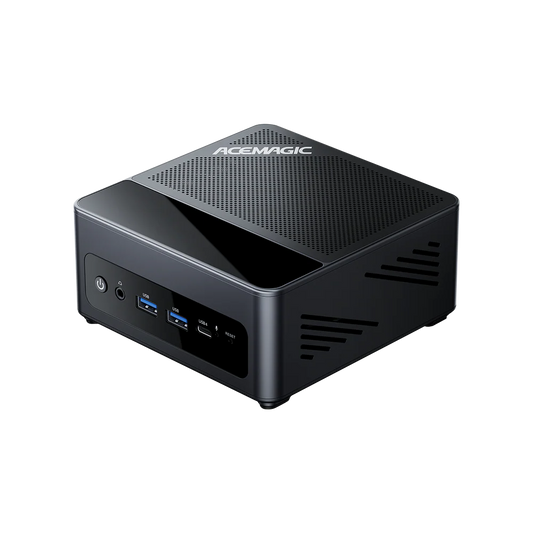
| 128GB already covers weights + KV + extras | Compact deployment; lower memory ceiling; enough for many 70B flows | |
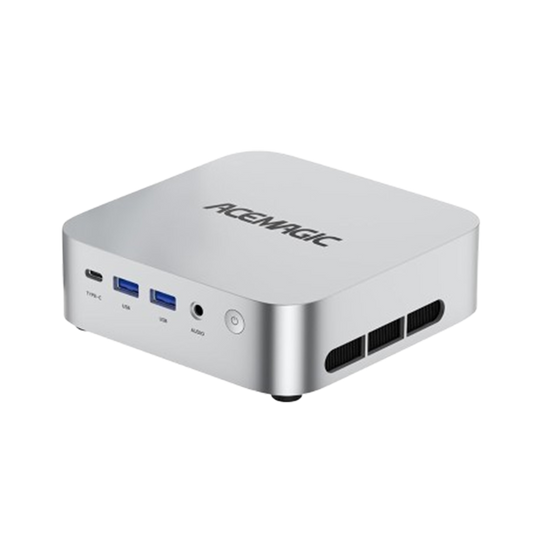
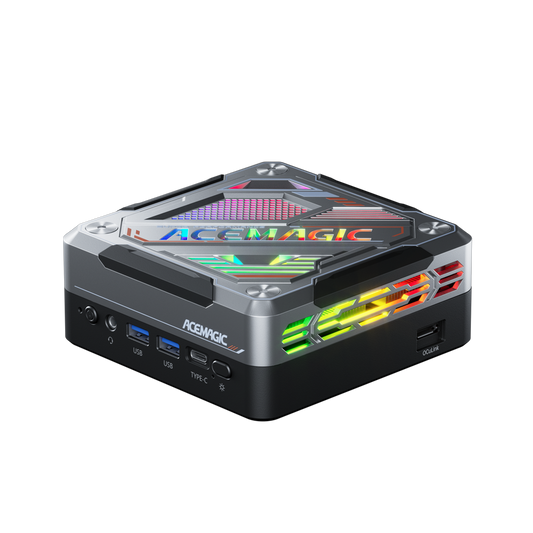
| 128GB + ~2L F9A chassis with OCuLink | Same Strix-class ceiling, denser F9A form factor | F9A (Ryzen AI Max+ 395) — see the product link in the scenario section above |
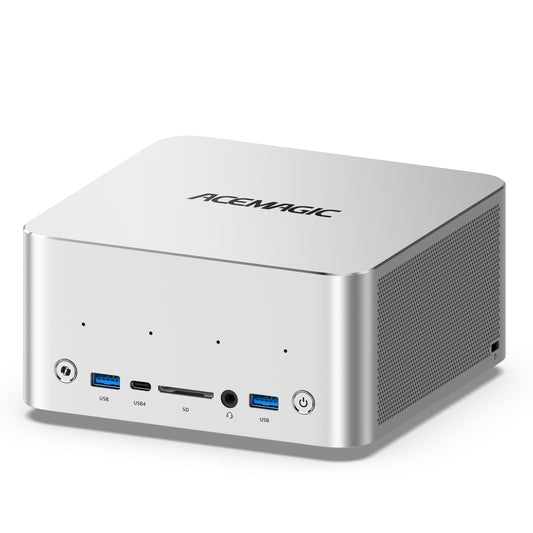
| More memory headroom without forcing aggressive down-quants | 192GB ceiling (Gorgon / Max+ PRO 495); more room for weights, KV cache and multi-service stacks | F9A-PRO495 |
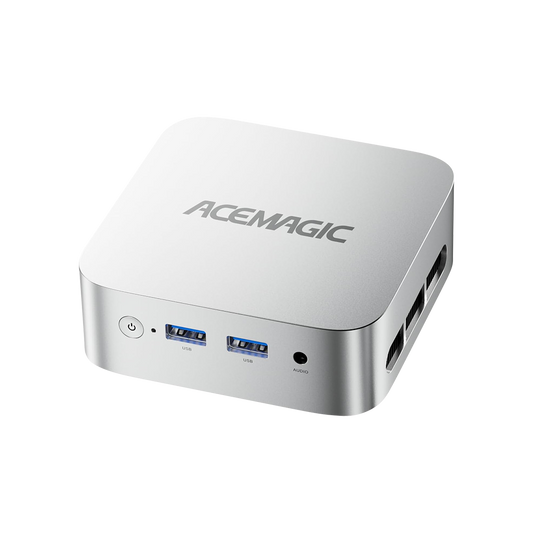
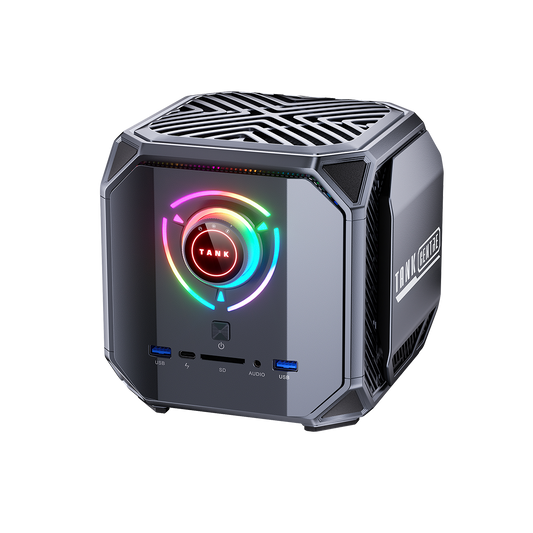
| Windows/x86 desktop work beside the model | Everyday PC software + local inference on one AMD desktop-class system | AMD Ryzen mini PC systems from ACEMAGIC |

Local AI Hardware vs Cloud GPUs
When local hardware makes sense
Keeping inference on-device for privacy-sensitive work, repeated inference, offline use, predictable daily agents, and development loops you run every hour.
When cloud GPUs make more sense
Occasional huge jobs, burst training, models that still will not fit, distributed experiments.
How to think about total cost
Price the hours you actually run, not a viral “pays for itself in N months” claim without your token logs. Local wins on privacy and marginal cost; cloud wins on elasticity.
How to Choose Local LLM Hardware in 2026
- Start with model size class — 7B / 14B / 32B / 70B / 120B+ — then immediately add context and multi-service needs.
- Check memory capacity — can the full working set fit?
- Check memory bandwidth + compute — will decode feel acceptable?
- Check context length — KV cache and prefill path.
- Check software — CUDA required or ROCm/llama.cpp OK?
- Check thermals/form factor — mini PC vs workstation duty cycle.
The Local AI Hardware Decision Matrix
| Your priority | What matters most |
|---|---|
| Run the largest model | Memory capacity |
| Faster token generation | Memory bandwidth + compute |
| Long-context coding | Memory + KV cache |
| RAG | Prefill + memory |
| MoE models | Capacity + runtime |
| AI development | Software ecosystem |
| Multiple models | Memory capacity |
| Small compact system | Power + thermals |
| Windows workstation | x86 compatibility |
| CUDA development | NVIDIA software stack |
NPU TOPS remain useful for AI PC marketing, but this matrix prioritises memory, bandwidth and software stack. There is no single winner table. On 128GB-class stacks, choose on software, prefill/decode behaviour, and system design. Cross the capacity wall, and 192GB is a different class of advantage — not a higher benchmark number.
Summary
Choosing among these three desktop-class platforms comes down to workload fit, not a single winner:
- Memory capacity determines what you can load; inference speed still depends on bandwidth, compute, and software. 192GB helps when weights, KV cache, or multi-service stacks will not fit in 128GB — it does not automatically raise tokens/s.
- Prefill ≠ decode. In the published GPT-OSS 120B MXFP4 llama.cpp matched test, Spark’s prefill was far ahead while decode stayed close — treat that as directional, not a universal ranking.
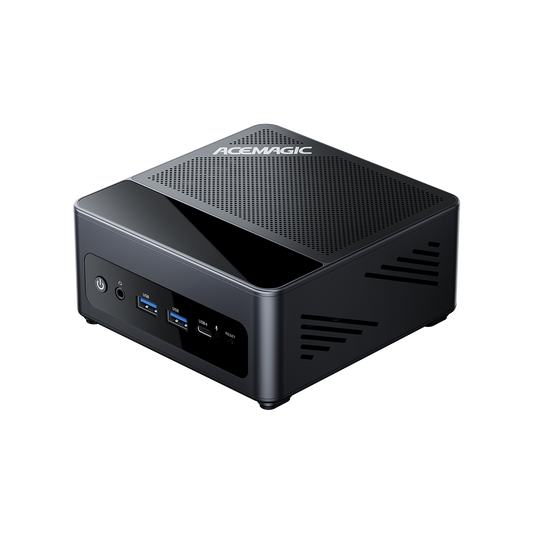
- On 128GB: NVIDIA’s CUDA / lower-friction path versus AMD’s x86 Strix Halo desktop-class path (e.g. M1A PRO+ or F9A-395), based on software stack and form factor.
- On 192GB: when memory capacity is the first constraint, F9A-PRO495 maps to Max+ PRO 495 / 192GB LPDDR5X-8533 (Radeon 8065S). “Gorgon” here stays the former codename/buyer shorthand for that tier. Ryzen AI Max PRO 495 sometimes appears without the “+” in searches; the product name keeps the +.
- Buy the bottleneck you actually have: memory capacity first, then bandwidth/compute, then CUDA vs ROCm/llama.cpp friction, then thermals and expansion.
If the need is mainly “everyday Windows/x86 plus a local model in one chassis”, also look at the AMD Ryzen mini PC range and other ACEMAGIC desktop-class systems — alongside the Strix/Gorgon configurations above.
FAQ
Is NVIDIA’s 128GB box worth it over AMD’s 128GB option for local LLM inference?
Depends what you are buying. In the published GPT-OSS 120B MXFP4 matched test above, Spark’s prefill was far ahead while decode was close. The premium more often buys CUDA ecosystem, lower deployment friction, and DGX-oriented tooling — not a universal 5× generation speed claim. AMD’s 128GB option stays competitive for many decode-heavy, Windows/x86 AI mini PC setups.
How much RAM do I need to run a 70B LLM locally?
Plan for weights + KV cache + runtime + extras, not the parameter label alone. Many 70B-class setups are comfortable in a 128GB unified-memory pool at common quants; long context, higher quants, or multi-service stacks raise the budget. Use the planning table above — it is guidance, not a hard limit.
Can I run 120B models on 128GB unified memory?
Yes, with heavy quantization and limited context length, but you lose headroom for KV cache, embedding models, and rerankers. That is where 192GB Gorgon-class hardware adds value. Fit is still the first gate; usable speed is the second.
Does the F9A-PRO495 “support” 120B Q4 or up to 300B MoE?
Those figures are product capacity goals (quantization + context + runtime), not a tokens/s promise. A 300B MoE is not the same as a dense 300B: fitting the model does not imply generating quickly. Demand reproducible measurements before treating them as performance.
Is 192GB better than 128GB for local LLMs?
192GB provides more model and KV-cache headroom, but it does not automatically increase tokens/s when the workload already fits within 128GB. Choose it for fit-bound stacks (higher quants, multi-model, long context, larger MoE weights) — not as a free speed upgrade.
When does the 192GB configuration matter more than either 128GB box?
When the working set refuses to fit: multi-model RAG, larger MoE weight files, higher quants, or long KV caches. See also the 192GB vs 128GB FAQ above.
Does more unified memory mean faster tokens/s?
No. Fitting the weights is not the same as generating tokens quickly — bandwidth, compute, quantization, and runtime still set the pace.
Is NPU TOPS a good way to pick on-device LLM hardware?
Usually no. For desktop-class LLM inference, GPU/APU + memory + software dominate AI inference results more than NPU TOPS slides.
Mini PC or desktop workstation?
Chat and light agents often fit a mini PC. Large models, multi-service RAG, and long-running inference lean toward a workstation — including a compact workstation like F9A when you need 192GB-class memory.
Sources
- AMD Ryzen AI Max+ PRO 495 (former codename Gorgon Halo; max 192GB; Radeon 8065S)
- AMD Ryzen AI Max+ 395 / Strix Halo (max 128GB LPDDR5X-8000)
- NVIDIA DGX Spark product specs
- HardwareCorner Spark LLM benches; IntuitionLabs; Memeburn